
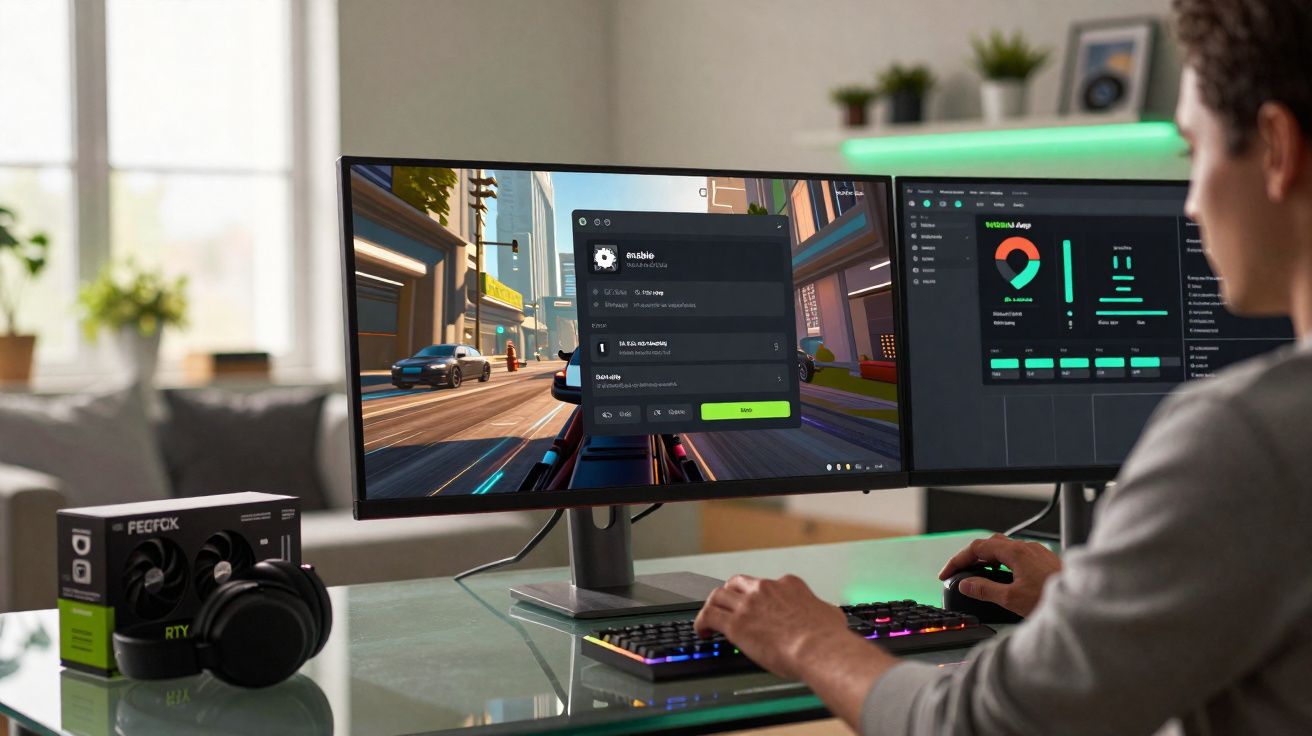
DLSS 4.5 is beginning to appear across Nvidia’s wider platform, aiming to improve sharpness and boost frame rates - including on older GeForce RTX cards - provided you know where to turn it on and what the practical constraints are.
What DLSS 4.5 actually changes
DLSS (Deep Learning Super Sampling) is one of Nvidia’s main techniques for running games at higher resolutions without overwhelming your graphics card.
Rather than drawing every frame at full native resolution, a game is rendered at a lower resolution and then reconstructed using an AI model that runs on the RTX card’s Tensor cores.
"DLSS 4.5 focuses less on raw speed gains and more on cleaning up the image: tighter edges, steadier details, and smoother motion."
In DLSS 4.5, Nvidia is deploying an updated, more accurate AI model. The emphasis is on improved reconstruction quality, not a huge jump in performance.
In practice, you should see less shimmer in fine detail, cleaner outlines on characters and objects, and fewer visual artefacts when the camera moves quickly.
Which RTX cards can use DLSS 4.5?
The key detail is that DLSS 4.5 is not exclusive to Nvidia’s newest hardware. It’s available across multiple RTX generations, including the earliest ray-tracing models.
- GeForce RTX 20 series (Turing)
- GeForce RTX 30 series (Ampere)
- GeForce RTX 40 series (Ada Lovelace)
- GeForce RTX 50 series and newer when they arrive
"Any GeForce RTX card, from the 20 series onwards, can access DLSS 4.5, but not every GPU handles it with the same ease."
DLSS 4.5 makes extensive use of FP8 (8‑bit floating point) maths - something newer GPU designs run far more efficiently.
On RTX 40 and upcoming 50-series hardware, FP8 capability is strong, so DLSS 4.5 can deliver high image quality without much extra overhead.
On RTX 20 and 30 cards, FP8 workloads are comparatively less efficient, which means performance can drop noticeably if you enable the most demanding options.
What this means for older RTX 20 and 30 cards
If you’re on an RTX 2060, 2070, 2080, or any RTX 30-series model, DLSS 4.5 is still available - but it’s worth keeping your expectations realistic.
Selecting the newest model preset can enhance image quality, yet it may also shave off several frames per second, particularly at higher resolutions.
On these older GPUs, it’s best to treat DLSS 4.5 as something to test and tune rather than a setting to enable automatically in the most demanding titles.
How to enable DLSS 4.5 in Nvidia’s software
DLSS 4.5 is managed through the newer Nvidia App, which is gradually taking over from the older GeForce Experience plus Control Panel setup.
Compatibility went live on 13 January 2026, alongside updated GeForce drivers.
"Before touching game settings, update your Nvidia drivers and the Nvidia App; DLSS 4.5 lives in those new components."
Step-by-step configuration in Nvidia App
After updating, you can switch DLSS 4.5 on at a global level so that compatible games use the latest AI model.
- Open the Nvidia App on your PC.
- Go to Graphics (the label may differ if the app is set to another language).
- Open Global settings.
- Find DLSS override - Model presets.
- Set each available entry to Latest.
This instructs the driver to apply the newest DLSS 4.5 model whenever a game requests DLSS.
You’ll still need to enable DLSS within each supported game, but the driver-side selection of the model is taken care of.
Using DLSS 4.5 inside your games
In many modern AAA releases, you’ll find a DLSS option in the graphics settings, typically alongside alternatives such as AMD FSR or Intel XeSS.
Once the Nvidia App and drivers are configured, enabling DLSS is usually just a matter of toggling it on in-game.
Typical DLSS modes and when to use them
Titles that natively support DLSS commonly offer several preset modes.
| Mode | What it does | Best use case |
|---|---|---|
| Quality | Renders below native resolution but prioritises image clarity. | 1440p or 4K on mid‑ to high‑end RTX cards where you have some performance headroom. |
| Balanced | A middle ground between sharpness and speed. | A solid default when you want smoother frame rates without a major visual compromise. |
| Performance | Renders at a much lower resolution to maximise FPS. | Very high resolutions, or older RTX 20/30 cards that struggle at native 4K. |
"With DLSS 4.5 running in the background, you keep using these familiar Quality / Balanced / Performance modes inside games."
After you pick a mode, DLSS 4.5 reconstructs frames using the game’s output combined with Nvidia’s updated AI model.
Nvidia says more than 400 games and applications support DLSS in some form, so DLSS 4.5 has broad coverage from the start.
Forcing DLSS 4.5 in unsupported titles
There’s also a more hands-on option for users who like to tinker.
In certain cases, Nvidia lets you force DLSS 4.5 in games that don’t officially list DLSS support - as long as the underlying engine can integrate with the technology.
"Not every game will accept a forced DLSS profile, but where the engine is compatible, DLSS 4.5 can be activated unofficially."
This approach is typically aimed at PC enthusiasts who are comfortable experimenting, running benchmarks, and sometimes adjusting configuration files.
Results can vary from perfectly smooth to unstable, so it’s sensible to back up settings and change one thing at a time.
How DLSS 4.5 affects different gaming scenarios
With a high-end RTX 40 or 50-series card connected to a 4K display, DLSS 4.5 in Quality mode can, in some games, look sharper than native rendering while also freeing headroom for ray tracing and higher detail settings.
On a laptop RTX 3060 that’s struggling at 1440p, moving to DLSS 4.5 Performance mode may lift frame rates into the 60–90 FPS range, though the loss of detail is likely to be more noticeable - particularly in fine foliage and distant geometry.
Players chasing competitive responsiveness on 240 Hz monitors may pair DLSS 4.5 Performance with reduced overall graphics options, favouring input response over visual fidelity.
Risks, trade-offs and when to hold back
AI upscaling is always a balancing act.
Although DLSS 4.5 improves edges and motion stability, some artefacts can still show up, especially around particle effects, very thin lines, or fast-moving objects.
On RTX 20 and 30 GPUs, FP8 processing can be costly enough that the AI workload starts to eat into the performance uplift you were aiming for.
"If enabling DLSS 4.5 makes your game feel slower or less stable, dropping down a mode or switching back to an older DLSS preset remains a valid choice."
DLSS integration varies between games, so a setting that looks great in one title may be less effective in another.
Running a brief benchmark - or simply replaying a few demanding scenes while keeping an eye on frame rate and image quality - remains the most reliable way to choose the right mode.
Key terms worth understanding
Tensor cores: Dedicated processing units within RTX GPUs built to accelerate AI and machine-learning tasks such as DLSS.
FP8: An 8‑bit floating point format that can run AI models faster and with less memory use, but with reduced precision compared with FP16 or FP32.
Upscaling: Rendering at a lower resolution and then enlarging to a higher resolution, ideally using intelligent reconstruction to retain detail.
Practical tips for getting the best from DLSS 4.5
If you have an RTX 20 or 30 card, a sensible approach in a demanding game is:
- Enable DLSS 4.5 and set the in-game preset to Quality.
- Check frame rate and motion clarity in a busy, demanding scene.
- If it’s still too slow, move down to Balanced rather than jumping straight to Performance.
- Compare screenshots or short clips to judge whether the trade-off feels worthwhile.
On RTX 40 and 50-series hardware, you can usually push harder with ray tracing and higher resolutions while keeping DLSS 4.5 on Quality, using the reconstruction to raise visual settings rather than only chasing a higher frame rate.
With some careful testing, DLSS 4.5 can make many existing RTX cards feel significantly more adaptable for today’s games, extending their usefulness well into the current generation.






Comments
Ультразвуковое дефектоскопическое оборудование используется для эффективного обнаружения дефектов в сварных соединениях и материалах, востребованных в химической, энергетической, машиностроительной, нефтегазовой…
ФГИС "АРШИН"
Что представляет собой процедура поверки?
— Поверка клещей токоизмерительных постоянного и переменного тока https://analyztepla.ru/katalog-izmeritelnykh-priborov/gazoanalizatory/prompribor-r/perenosnye-gazoanalizatory-signal-4/gazoanalizator-signal-4-kislorod-1-kanal-vog
— Поверка калибраторов переменного тока http://analyztepla.ru/priboryi-nerazrushayushhego-kontrolya/vizualnyy-kontrol/cem/bt-45-1m-zond-dlya-videoskopa-1-m
При обнаруженных отклонениях от нормы устройства корректируются, погрешности устраняются https://analyztepla.ru/katalog-izmeritelnykh-priborov/gazoanalizatory/sensory-dlya-gazoanalizatorov/sensory-ugarnogo-gaza-so/sensor-ugarnogo-gaza-tgs5141-p00-figaro
Learn Who are the Jews?
https://www.youtube.com/shorts/SEB3w3A98rU
----------------------------------------------
with their alleged ceasefire, the end of the war in Gaza (per Trump). They halted the Gainsaid (destroying children with aerial bombings). And now they are gradually starving and eliminating them in slow motion.
Don't hesitate to call it what it is
AIPAC ( https://www.youtube.com/watch?v=COx-t-Mk6UA ) and The Evangelical Church (America) are creating a GENOCIDE.
https://www.youtube.com/shorts/IrX9v6DKH1g
AIPAC, The Evangelical Church, Miriam Adelson, Elon Musk, and timothy mellon and America tax payer have made over 39000 small children orphans and left them without parents or relatives to care for them.
The most devastating genocide in the world is being carried out by the follwoing :
1- Benjamin Netanyahu and Donald Trump
2- The Evangelical Church in USA.
3- AIPAC, brows https://www.youtube.com/watch?v=COx-t-Mk6UA
4- Miriam Adelson brows https://www.youtube.com/watch?v=Nr0LkA7VW7Q
5- Elon Musk.
6- Timothy mellonand brows https://www.youtube.com/shorts/1XJ893-kAh0
Which kill innocent women and children in Gaza.
May the eyes of starving children haunt us all
https://www.jewishvoiceforlabour.org.uk/article/may-the-eyes-of-starving-children-haunt-us-all/
https://www.tiktok.com/@charitymealsuk/video/7534294624647580950?is_from_webapp=1&sender_device=pc&web_id=7537073515586897430
https://www.dci-palestine.org/starving_a_generation_report_indicts_israel_for_weaponizing_starvation_as_a_tool_of_genocide
https://www.tiktok.com/@1948nakba.p4/video/7536871676156398870?is_from_webapp=1&sender_device=pc&web_id=7537073515586897430
The Torah, which is part of the Bible, has commanded that the same be done to the Jews. The order of the Torah, which is part of the Bible, is to immediately kill any Jew you see on the street. Since the Jews in Gaza have also killed women and children, you should kill any Jews - men, women, and children - as soon as you see them, whether on the street or anywhere else. And because they have killed everyone in Gaza without mercy, you must do the same to them. If you carry out these actions, you will be following the order of the Torah, which is part of the Bible, and you will be rewarded by going to heaven.
Leave a Comment